See It In Action
Hover to pause, drag to rotate
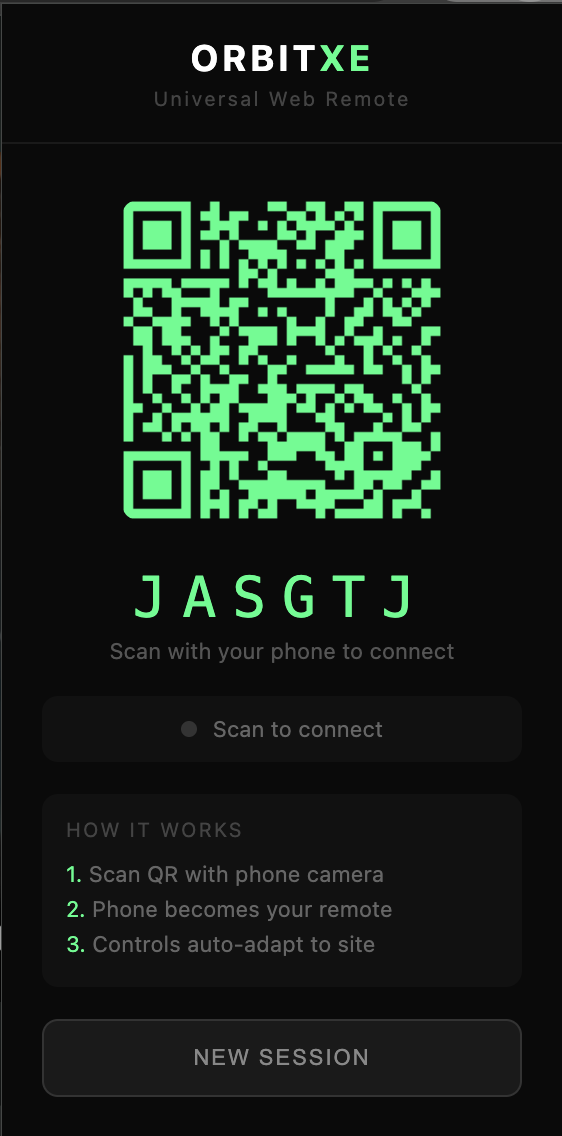
SCAN TO CONNECT
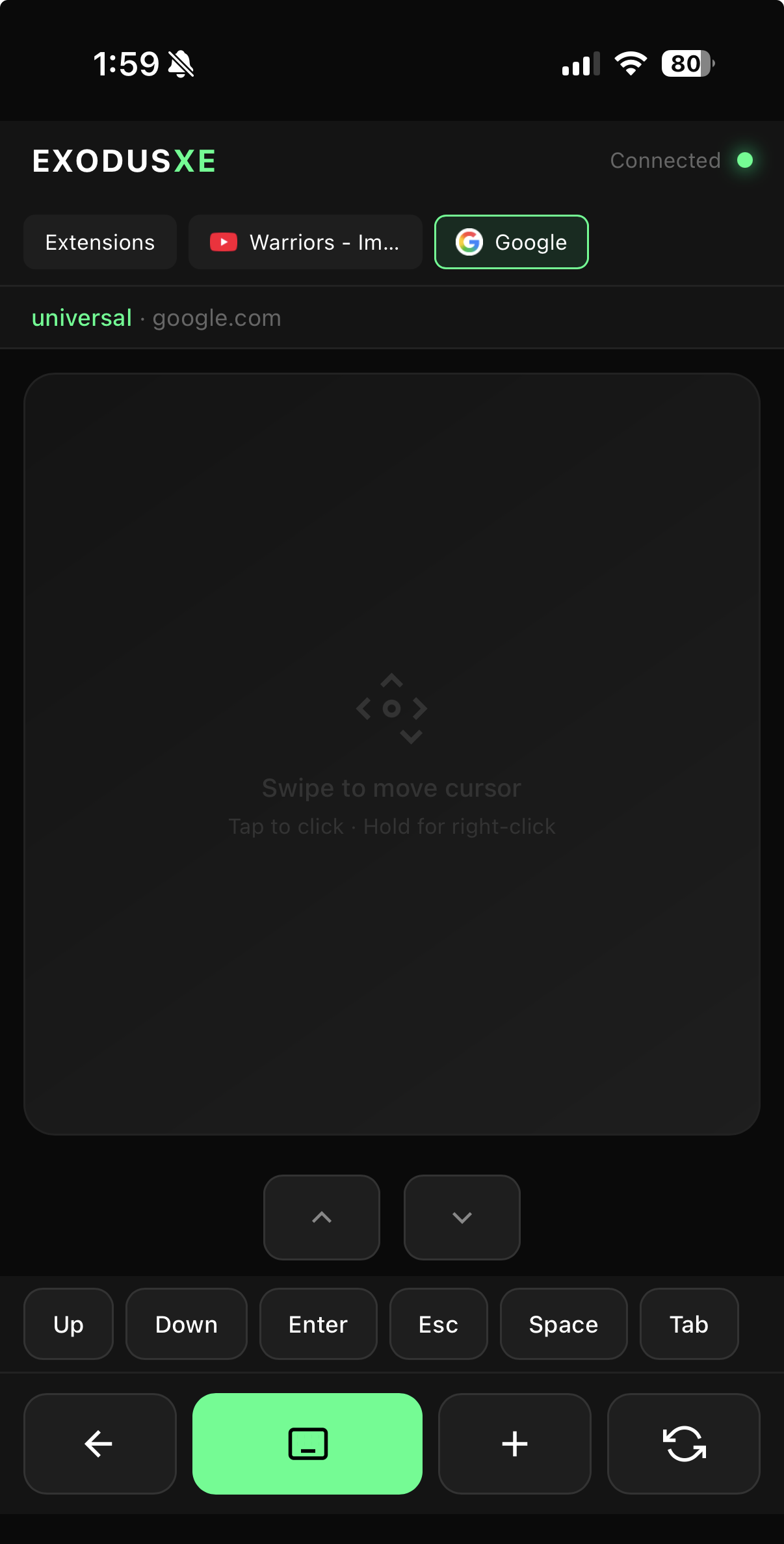
TRACKPAD MODE
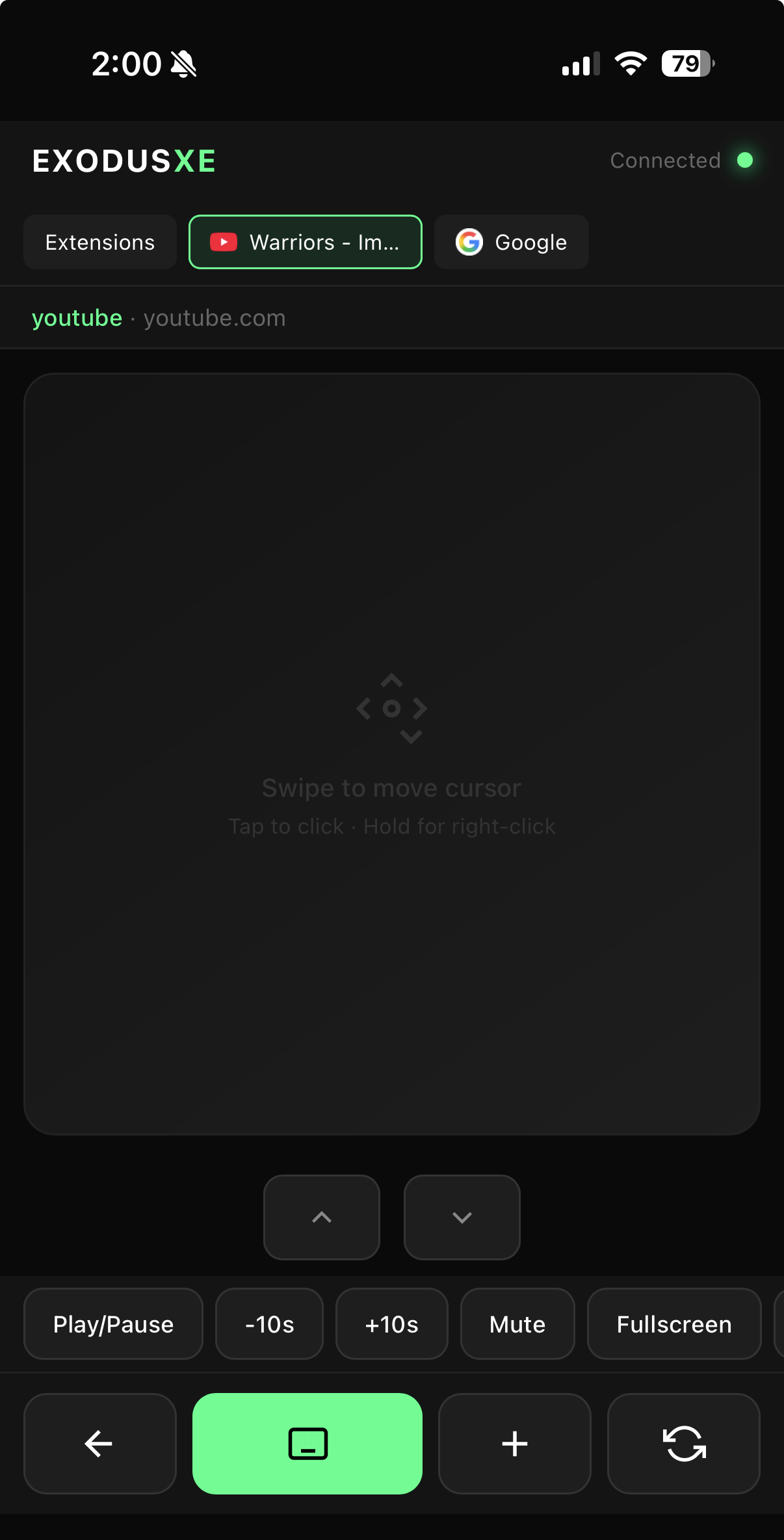
MEDIA CONTROLS
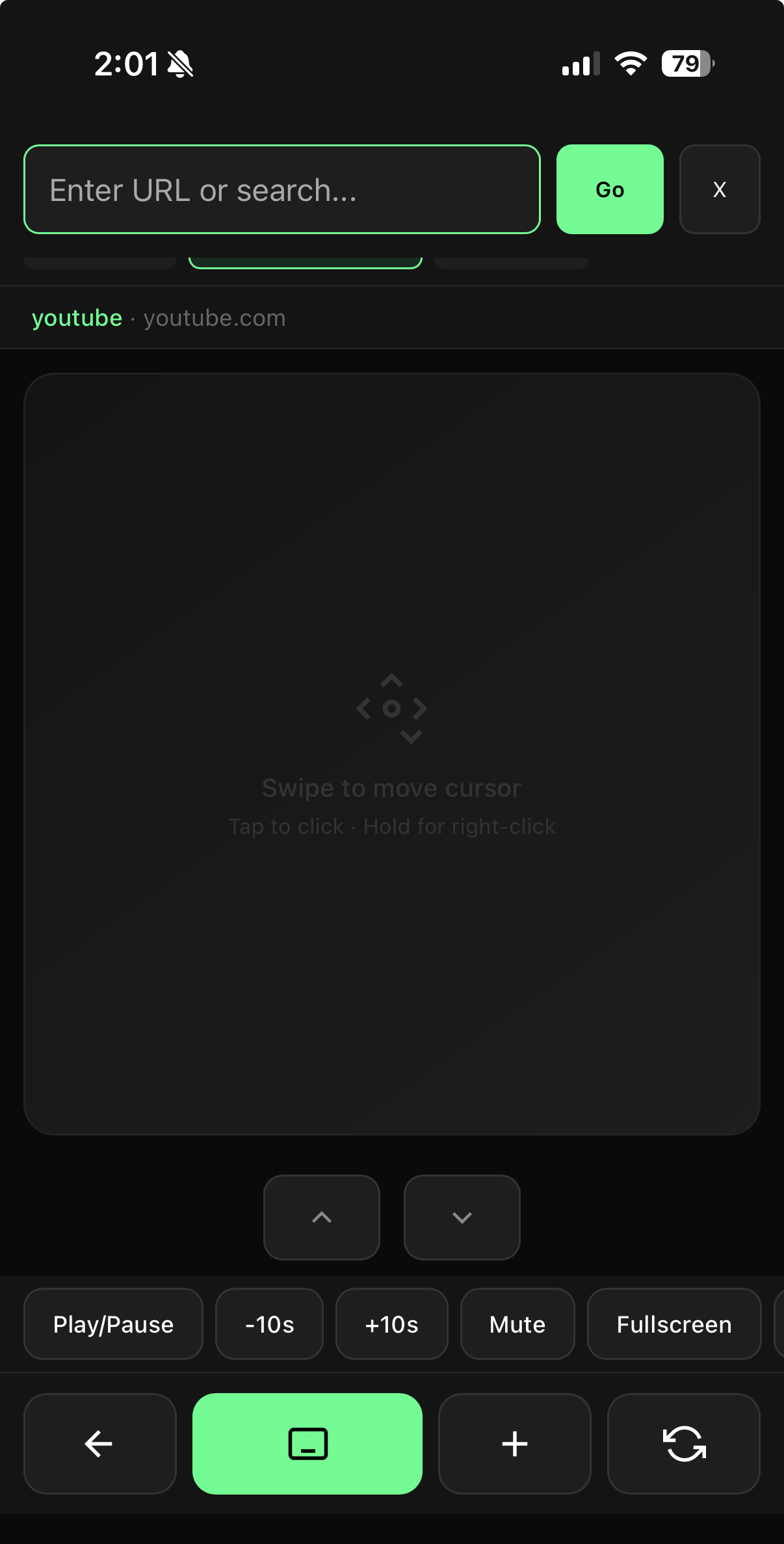
OPEN TABS
TYPE ANYWHERE
Drag to spin
Turn your phone into a wireless trackpad, keyboard, and smart remote. No app download required.
Your cursor moves here
Controlled by your phone
Hover to pause, drag to rotate
SCAN TO CONNECT
TRACKPAD MODE
MEDIA CONTROLS
OPEN TABS
TYPE ANYWHERE
A complete remote control solution for your browser
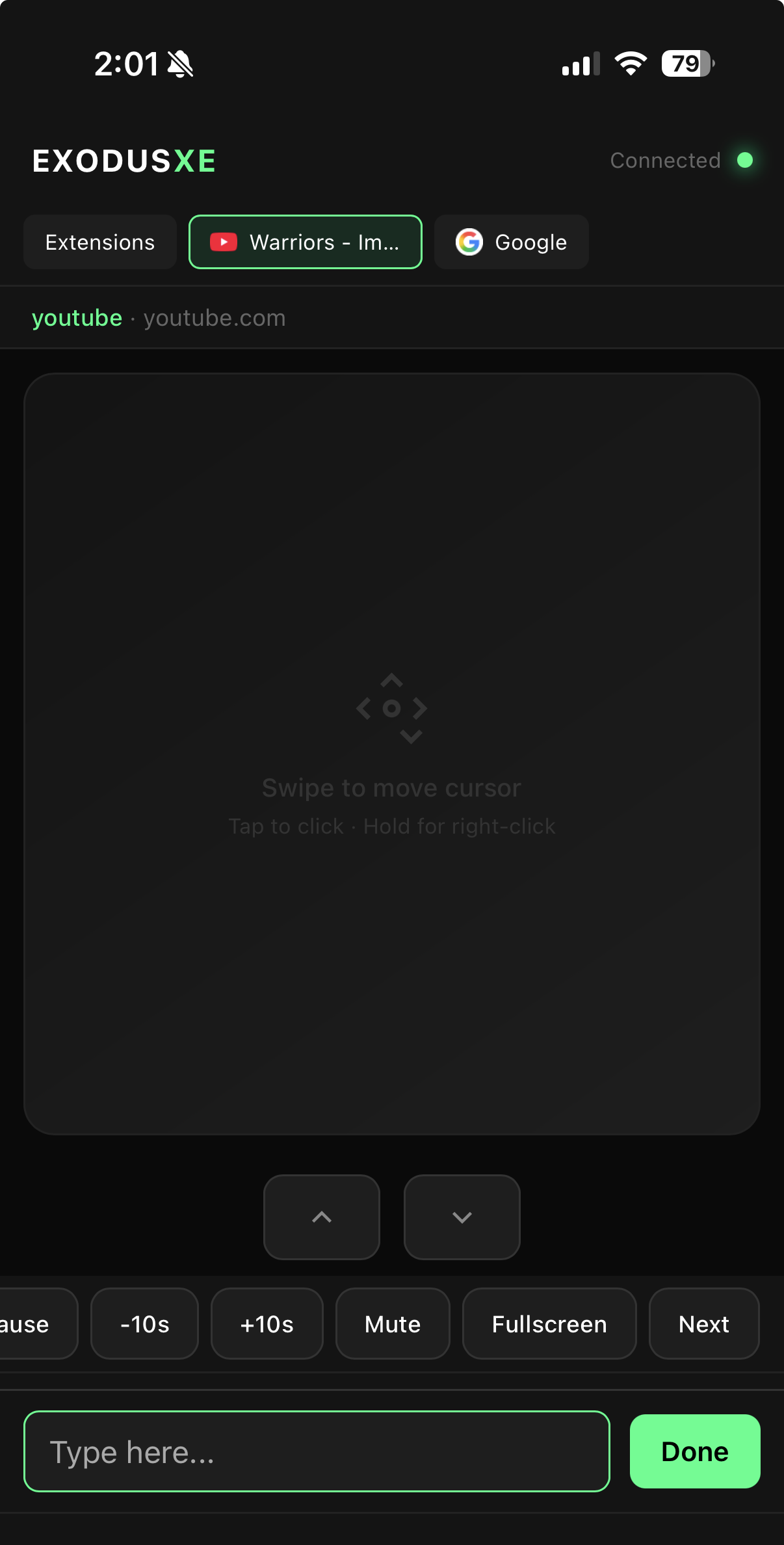
Use your phone screen as a trackpad. Swipe to move the cursor anywhere on screen, tap to click, and hold for right-click. It's like having a wireless mouse in your pocket.
Type using your phone's keyboard with autocorrect, swipe typing, and all your familiar features. No more squinting at tiny on-screen keyboards.
OrbitXE auto-detects YouTube, Netflix, Zoom and other sites, showing relevant controls like play, pause, mute, skip, and fullscreen automatically.
Switch between browser tabs, open new tabs, and navigate to any URL - all from your phone. See all your open tabs and jump to any one instantly.
Just scan a QR code with your phone camera and you're connected. Works on any phone with a web browser - iPhone, Android, anything.
Get started in under 30 seconds
Add OrbitXE to your Chrome browser with one click. It's lightweight and runs in the background.
Click the extension icon to reveal a QR code. Scan it with your phone's camera.
Your phone is now a remote! Use the trackpad to move cursor, type with your keyboard, and more.
Use OrbitXE in any scenario
Control Netflix, Disney+, and Prime Video from the comfort of your couch. No more searching for that tiny remote.
Navigate slides wirelessly
Control Spotify, YouTube Music
Mute, unmute, and control Zoom or Meet from anywhere in the room
Browser on TV, phone as remote
Browse from bed with your phone as the ultimate remote control
Install OrbitXE and start controlling your browser from your phone today.
Add to Chrome - It's Free